


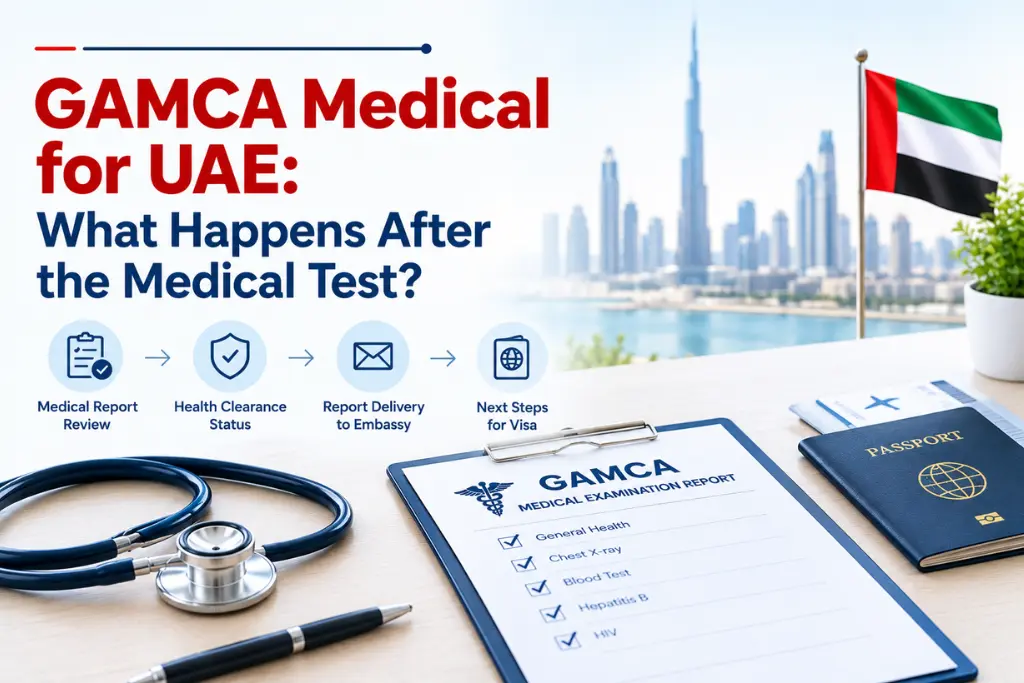
After the GAMCA medical for UAE after test stage begins, your medical centre processes the report and records your result. You then check your status online and share the outcome with your visa sponsor. This guide walks you through each step so you know what to expect. If you need the full picture of the exam itself, see our GAMCA medical for UAE page.
What Happens in the GAMCA Medical for UAE After Test Process?
The medical centre reviews your test reports, prepares the final report, and records the result against your passport number. This UAE medical test after process happens on the centre’s side, so you only need to keep your slip safe.
Here is what usually takes place:
- The doctor finishes the examination and checks your reports.
- The centre enters the result in the system.
- Your result gets linked to your passport number.
- You hold a slip that carries your reference details.
Timing is not fixed. It depends on the centre, the type of tests, and how busy the week is. Anyone who promises an exact hour is guessing.
Look at your slip before you leave the centre. Your name and date of birth should match your passport exactly, because a spelling error is harder to fix later. A correct slip is the base of a smooth GAMCA medical for UAE after test experience. Keep it until your visa process ends, since people who lose it often struggle to check their status.
How Can You Check Your Result in the GAMCA Medical for UAE After Test Stage?
Open the official status page, enter your passport number and slip details, and submit the form. That shows your current GAMCA medical status.
You will need:
- Your passport number
- The reference number on your slip
- Your nationality and test date
Type each detail exactly as printed. One wrong digit is the most common reason for an error message. If the page says no record found, wait a few hours and try again before you worry. The record may simply not be updated yet. Use a stable internet connection, since a weak signal can interrupt the form.
Once the result appears, take a screenshot. You may need it when your sponsor asks for proof. Our guide on how to check your GAMCA medical status online covers the screens in more detail.
This check is the heart of the UAE medical test after process, so do it calmly and only on the official site.
What Does Your Result Mean in the GAMCA Medical for UAE After Test Period?
In the GAMCA medical for UAE after test period, a fit result generally means the doctor found nothing that blocks your medical clearance. An unfit result means your reports did not meet the required standard. Neither one is a visa decision.
| Result | Usual meaning | Your next move |
| Fit | Medical requirements met | Tell your sponsor and keep documents ready |
| Unfit | Requirements not met | Ask the medical centre what the official instructions are |
| Pending | Result not yet updated | Wait, then recheck the status page |
Rules vary from case to case. Always confirm your exact status with the authorised medical centre, because only they can explain your report. The UAE authorities make the final visa decision.
Also check that the name on your result matches your passport, since a mismatch can slow down the next steps. Keep a copy of the result on your phone and a printed copy in your file. For the list of tests and conditions, read our UAE GAMCA medical fitness requirements guide.
What Are the Next Steps in GAMCA Medical for UAE After Test With a Fit Result?
Tell your employer or visa sponsor about the fit result, and let them move the visa process forward. The GAMCA medical result next steps depend on your visa type and the UAE rules that apply to it.
- Send your result to the sponsor or agent.
- Ask which documents are still missing.
- Keep your passport copy, slip, and result printout together.
- Reply fast when they ask for something.
A fit result is not a visa. It only shows you met the medical requirement. So hold off on resigning from your job or booking tickets until your visa is confirmed in writing.
Ask your sponsor for a rough timeline and keep their answer in writing. If you want a checklist of papers, our page on documents required for GAMCA medical will help. This way, your GAMCA medical for UAE after test journey stays organised, and the UAE medical test after process does not slow your visa.
What If Your Result Is Delayed in GAMCA Medical for UAE After Test?
A delay usually means the report is still being processed or reviewed. Wait for the official update, and do not act on rumours.
Common causes include:
- A busy centre
- Extra checks on one of your reports
- A wrong detail in the system
Delays during the UAE medical test after process happen more often in busy seasons, so leave some buffer in your travel plans. If your travel date is close, tell your sponsor early so they can plan around it.
If the status stays the same beyond the time the centre gave you, contact them. Carry your slip and passport. A repeat booking is rarely the right first move in the GAMCA medical for UAE after test stage, since it costs money and can create a duplicate record. Ask the centre to confirm your case first.
Note the date, time, and name of the person you spoke with. That record helps if you have to follow up again.
Which Mistakes Should You Avoid in GAMCA Medical for UAE After Test?
Four mistakes cause most of the trouble: wrong details, early conclusions, false visa assumptions, and unofficial sources.
- Typing incorrect details into the status page
- Judging the result before it updates
- Treating a fit result as visa approval
- Trusting agents or social media over official sources
Each one wastes time or money. A single wrong digit can show a false error, and early panic can lead to a repeat test you never needed. Also, never pay anyone who says they can change or speed up your result.
Stick to official sources, check your details twice, and ask your sponsor before you act. Follow your GAMCA medical result next steps one at a time, and this GAMCA medical for UAE after test routine will protect your time.
Applicants preparing for a Gulf visa medical examination can visit GAMCA Online for assistance with medical appointment registration and GCC medical test requirements.
Also Read: Gamca Medical for UAE Fitness Test
Frequently Asked Questions
1. How long does it take to get a GAMCA medical result for the UAE?
It varies by centre and case, so there is no fixed time. Check your status online and contact your centre if it stays pending for long.
2. How can I check my UAE GAMCA medical status online?
Open the official status page and enter your passport number and slip details. Then submit the form and save the result.
3. What are the GAMCA medical result next steps after a fit result?
Share the result with your sponsor and keep your documents ready. Then follow their instructions for the next visa steps.
4. Can I proceed with my UAE visa after the medical test?
Yes, but only after your result is available and your sponsor confirms the next steps. A fit result alone does not guarantee a visa.
5. What should I do if my result is delayed in the GAMCA medical for UAE after test stage?
Wait for the official update, then contact the medical centre with your slip and passport. Avoid booking a repeat test without confirmation.
Planning your next visa steps? Explore the UAE’s visa policy for general information about entry and visa requirements.

