


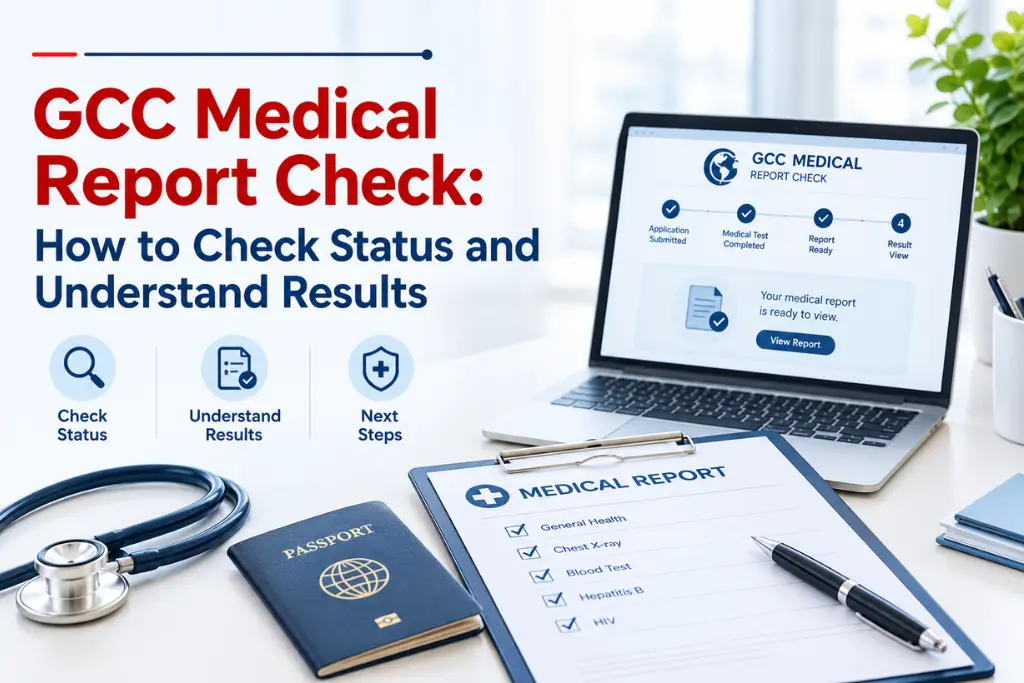
A GCC medical report check shows your visa medical result online in a few minutes. You enter your passport number or slip number on the official Wafid portal. Wafid is the new name of GAMCA, so a GAMCA medical report check follows the same steps.
This guide explains each step, every status, and your next actions. It also lists the common errors that delay a GCC medical report.
What Is a GCC Medical Report Check?
A GCC medical report check is the online search that shows the result of your visa medical test. The report tells you whether you are fit or unfit for work in a GCC country.
An approved centre carries out the GCC medical test. The same test is also called the GAMCA medical test. The centre then uploads your result, and the report appears on the Wafid portal.
Many applicants run a GAMCA medical report check right after the GCC medical test. Book a GAMCA medical appointment only after your employer confirms the process.
A GAMCA medical check and a GCC medical check mean the same thing. The name changed from GAMCA to Wafid, but many applicants still use the old term.
A fit report does not mean visa approval. It only confirms your health status. The embassy or your employer makes the final visa decision.
How Do You Do a GCC Medical Report Check Online?
You do a GCC medical report check by opening the official Wafid website and entering your passport number or slip number. The whole process takes only a few minutes.
Follow these steps:
- Open the official Wafid website.
- Go to the medical result inquiry section.
- Choose the passport number option or the slip number option.
- Type your details exactly as they appear on your documents.
- Select your nationality and complete the captcha.
- Click the check button and view or download the PDF.
Use the same steps for a GAMCA medical check. Only the name of the service differs. You can finish a GCC medical check on a phone or a computer.
Always type the web address yourself. Fake websites copy the look of the real portal, so avoid links from unknown messages.
What Details Do You Need for a GCC Medical Report Check?
You need your passport number or your slip number, plus your nationality. The slip number appears on the receipt from your medical centre.
Accuracy matters here. One wrong digit shows no result. Therefore, copy the passport number exactly as printed, without extra spaces.
Keep your GAMCA medical appointment slip in a safe place. It carries the slip number that you need for a GCC medical check. If you lose it, ask the centre for a copy.
Do you still need a slot? You can book your gamca medical appointment through the registration page. Similarly, a confirmed GCC medical appointment gives you the date and the slip you need later.
A gamca medical report check asks for the same details, so keep them ready. Share your details only on the official portal. Unofficial sites may misuse your passport data.
How Do You Read the Results After a GCC Medical Report Check?
After a GCC medical report check, you see one of three outcomes: fit, unfit, or no result yet. Each outcome needs a different action.
| Status | Meaning | Next Step |
| Fit | The test found no disease or related symptoms | Share the report with your employer or agent |
| Unfit | The test found a health condition | Read the report and ask the centre about options |
| Pending or not shown | The result is not online yet | Wait, then check again |
The same statuses appear in a Gamca medical report check. Here is what to do with each result.
- Fit: Download the PDF and keep a printed copy. Many sources state that a fit report stays valid for about 60 days. Confirm the exact period with your embassy.
- Unfit: Read the full GAMCA medical test report. A retest may be possible after a waiting period, but the rules differ by case.
- Pending: The centre may still be processing your file. Check the date on your GCC medical appointment slip.
Your employer and the embassy decide the next step. Therefore, follow their instructions and not the advice of random websites.
What Should You Do If a GCC Medical Report Check Shows No Result?
If a GCC medical report check shows no result, recheck your details first, wait a little, and then contact the centre. Most missing results come from small typing errors or early checking.
Start with the basics. A quick GCC medical check of your passport number, nationality, and slip number solves many cases. Then try the other search option on the portal.
Do not repeat the GAMCA medical test only because the report is missing. A new test costs money and time.
Next, think about timing. A very recent GCC medical test may not appear online yet. The delay changes from centre to centre, and no official source promises a fixed time.
Your GCC medical appointment date also matters. If you tested only a few hours ago, wait and try again later.
Finally, call the medical centre with your slip in hand. Ask them to confirm that they uploaded your GAMCA medical check result. As a result, you get a clear answer from the source.
What Mistakes Should You Avoid During a GCC Medical Report Check?
Avoid wrong details, fake websites, and early checking. These three errors cause most problems during a GCC medical report check.
Avoid these common mistakes:
- Wrong nationality or passport number. One error returns no result.
- Unofficial websites. They may ask for money or collect your data.
- Checking too early. A fresh GAMCA medical test may need time to show.
- Treating it as visa approval. The embassy still reviews your case.
- Retesting without advice. Repeat the GCC medical test only if the centre or embassy asks you to.
- Ignoring the validity period. An old report may not work for your visa stamping.
- Booking too early. A GCC medical appointment made far ahead can leave your report expired by the visa stage.
Plan your GAMCA medical appointment close to your visa timeline. In addition, save a PDF copy of your GAMCA medical check result as soon as it appears.
Also Read: GAMCA GCC Medical Test Guidelines
What Are the Common Questions About GCC Medical Report Check?
These five answers cover what most applicants ask.
1. How can I check my GCC medical report online?
Open the official Wafid website, choose the result inquiry option, and enter your passport or slip number.
2. How can I check my GAMCA medical report?
Use the same Wafid portal. A GAMCA medical report check works exactly like a GCC medical report check. The GAMCA medical test result is the same in both cases.
3. What does a Fit status mean?
It means the test found no disease or related symptoms. It does not guarantee visa approval.
4. What should I do if my medical report is pending?
Wait a little, recheck your details, and then contact your medical centre with your slip number.
5. Can I check my report using only my passport number?
Yes. You can use your passport number with your nationality, or use your slip number instead.
Conclusion
To sum up, a GCC medical report check is quick when you use the correct details and the official portal. A GCC medical check and a GAMCA medical check lead to the same official report.
Read your status carefully, follow your employer’s instructions, and keep your report safe. Finish your gcc medical test on time, and search for your GAMCA medical report and check only after a short wait. If you still need a slot, register for your GAMCA medical appointment or GCC medical appointment early enough to fit your visa timeline.
Not sure which countries come under the GCC? This short read on the Gulf Cooperation Council lists the member states and explains how the group works.

